What Sigil does
Everything on this page works in version 1.0. What is still in development is listed at the end, marked as such.
Conversations
One-to-one and in groups, with the things a messenger is expected to have.
MessagingSealed end to end
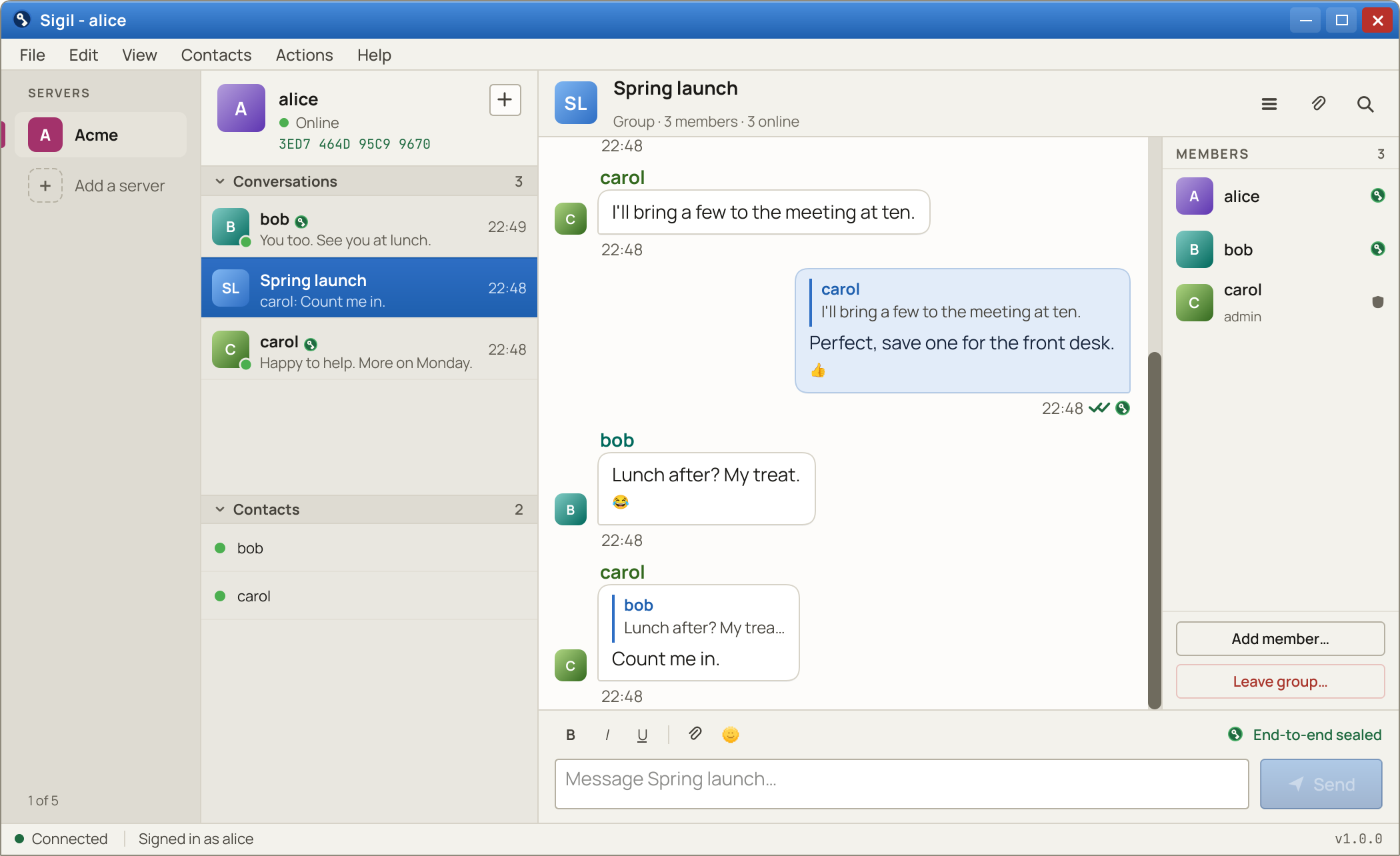
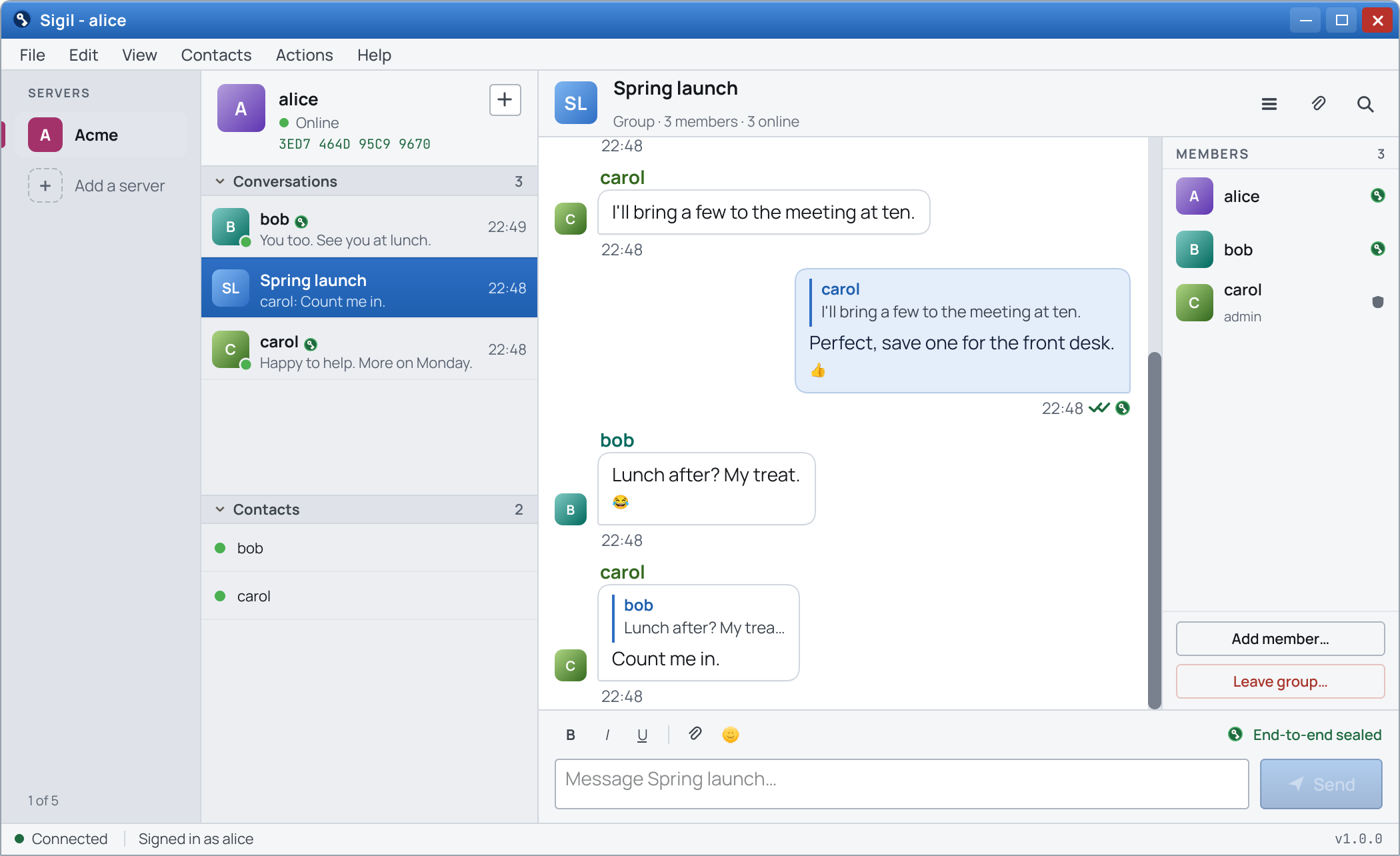
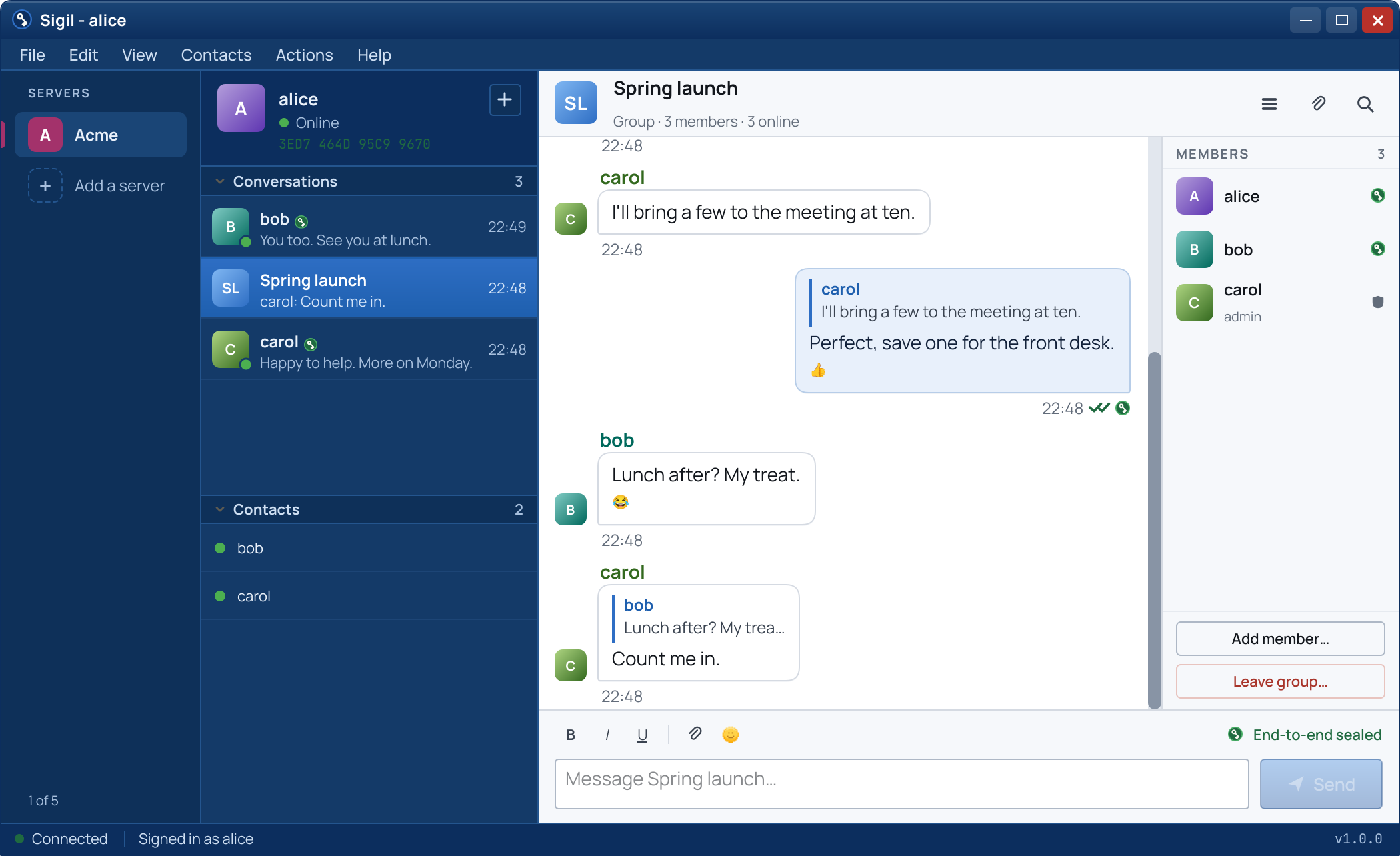
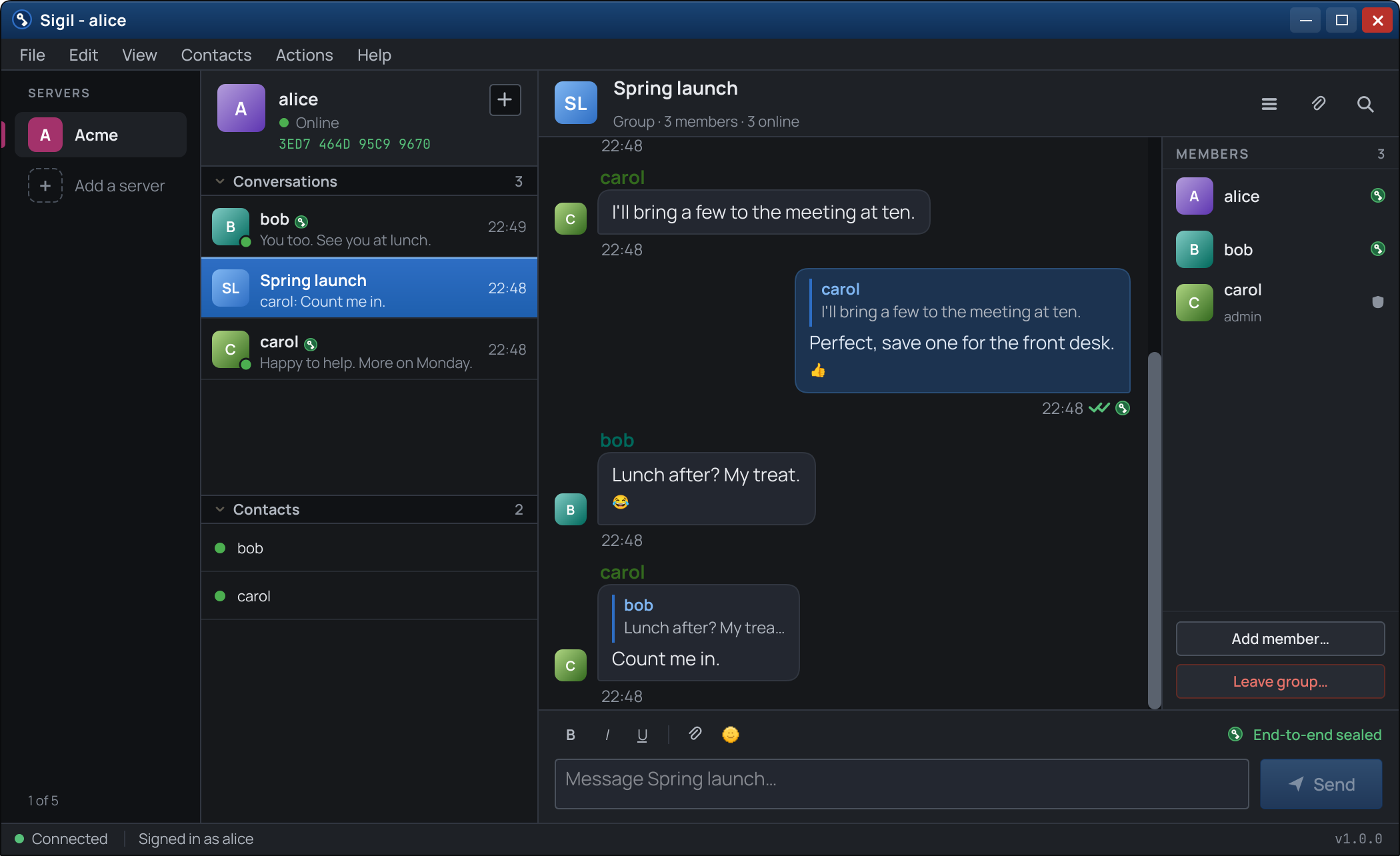
One-to-one and group messaging
Every message is encrypted with the Signal Protocol. In a group, each message is sealed separately for each member.
Files and photos
Each attachment is encrypted under its own one-time key, and an interrupted transfer resumes where it stopped.An attachment you have opened is cached unencrypted on your own disk, like any download.
Reactions and replies
React to a message or quote it. Both travel inside the encryption.
Disappearing messages
Messages delete themselves after a set time.Honored by both clients; not a guarantee against a recipient who keeps a copy.
Delete and recall
Deleting removes a message from your own disk. Recalling asks every recipient's client to drop it.Best effort: a copy already read is the reader's.
Search
Find old messages quickly. Search runs on your device, never on the server.
Knowing who is on the other end
Encryption helps only if the key belongs to the right person.
TrustVerification
Fingerprint verificationCompare a short code in person or by voice. A match proves the key belongs to your contact.
A seal you can seeVerified contacts carry a seal in the contact list.
Key-change alertsIf a contact's key changes, Sigil warns and pauses, so a substitution cannot pass unnoticed.
Seal-on-sendWhen enabled, Sigil refuses to send to anyone you have not verified. Off by default.
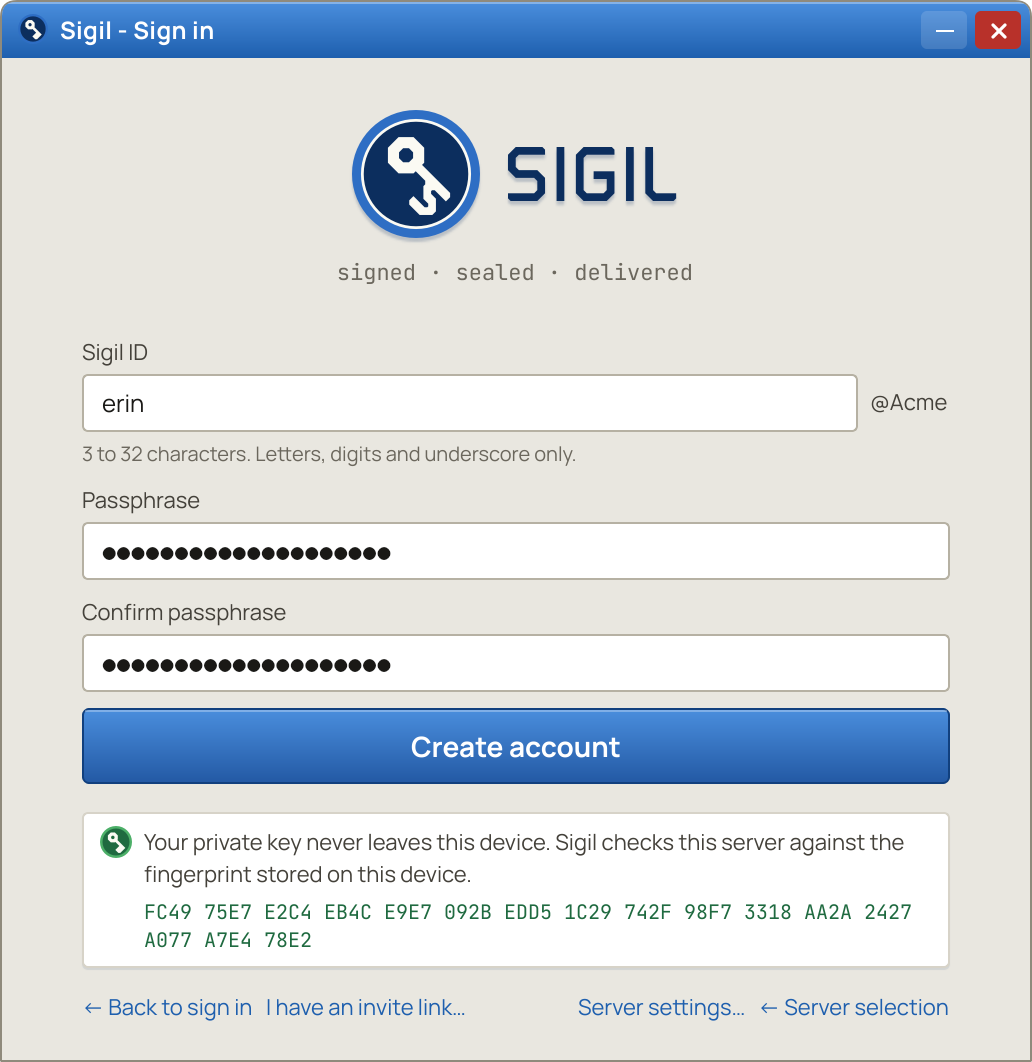
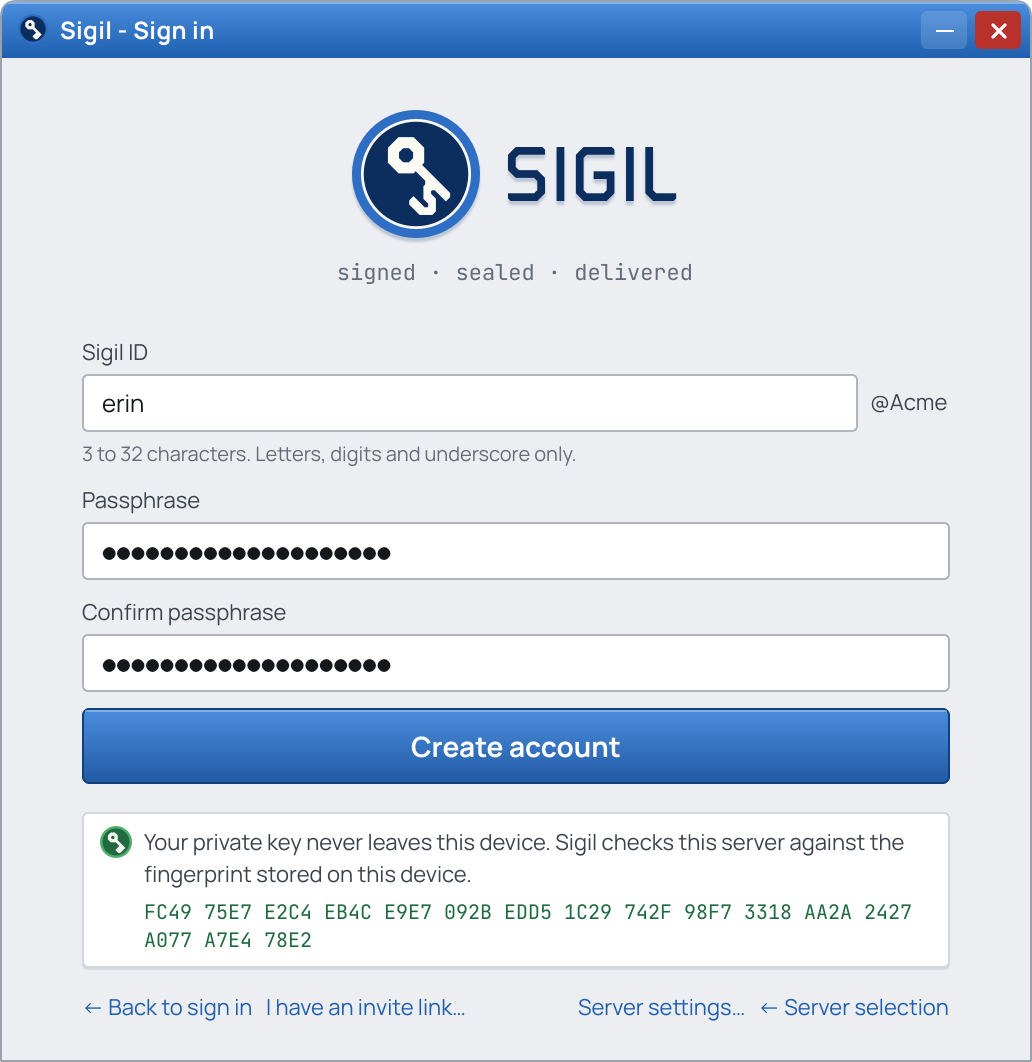
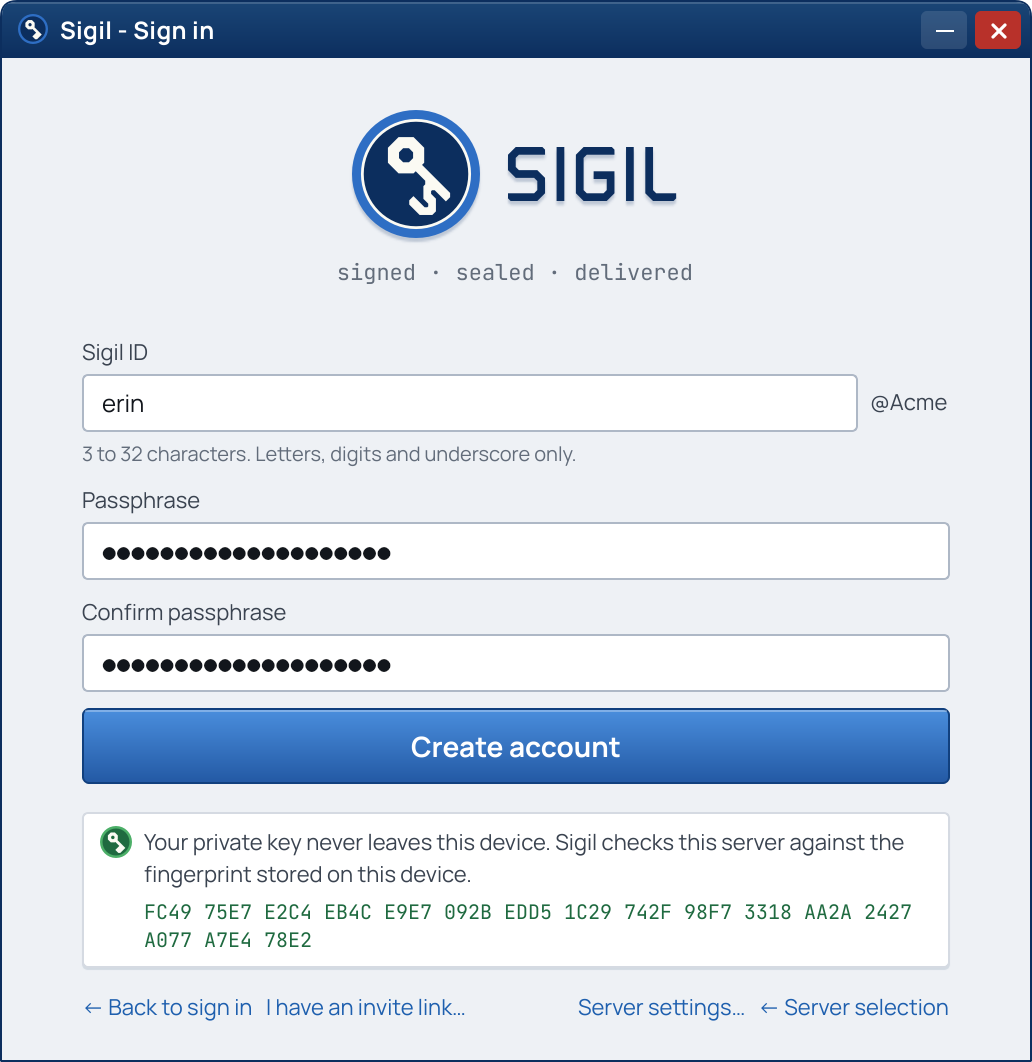
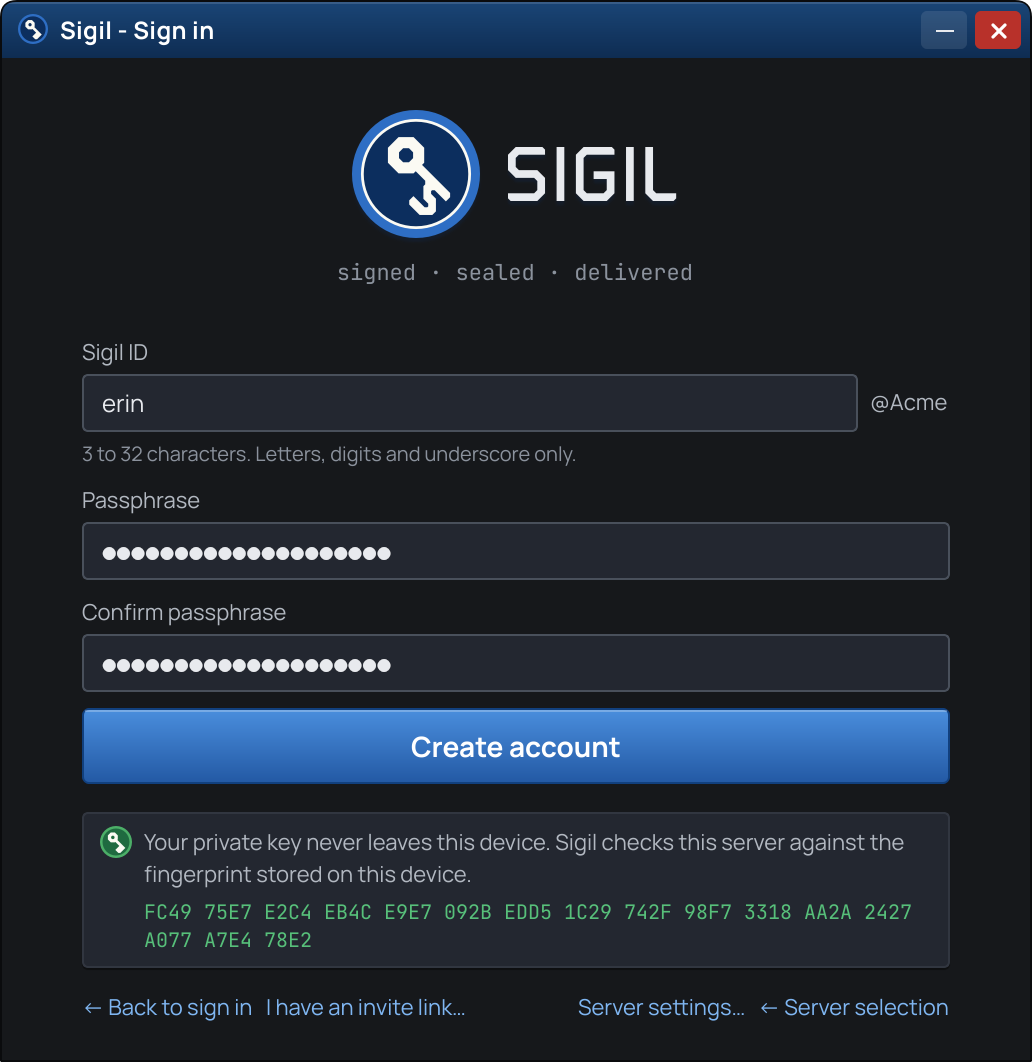
Pinned server keyThe server's fingerprint is shown at account creation, pinned, and checked on every connection.
The small things that make it a messenger
EverydayThe small things
Presence
Online
Away
Busy
Offline
and Invisible: connected, and shown to others as offline.
Typing indicators and read receiptsSee when someone is typing, and whether a message was delivered and read.
Inline emoticonsClassic shortcodes become small pixel emoticons. Off by default.
Profile pictures
A face beside the name.Name, status and picture are visible to the server, which must show them to your contacts.
Several servers in one client
Work, family and a club, each on a server of its own, side by side in one window. Free with up to five servers; past five, a client license is asked for, and nothing is blocked.
Several serversOne window
One window for every server
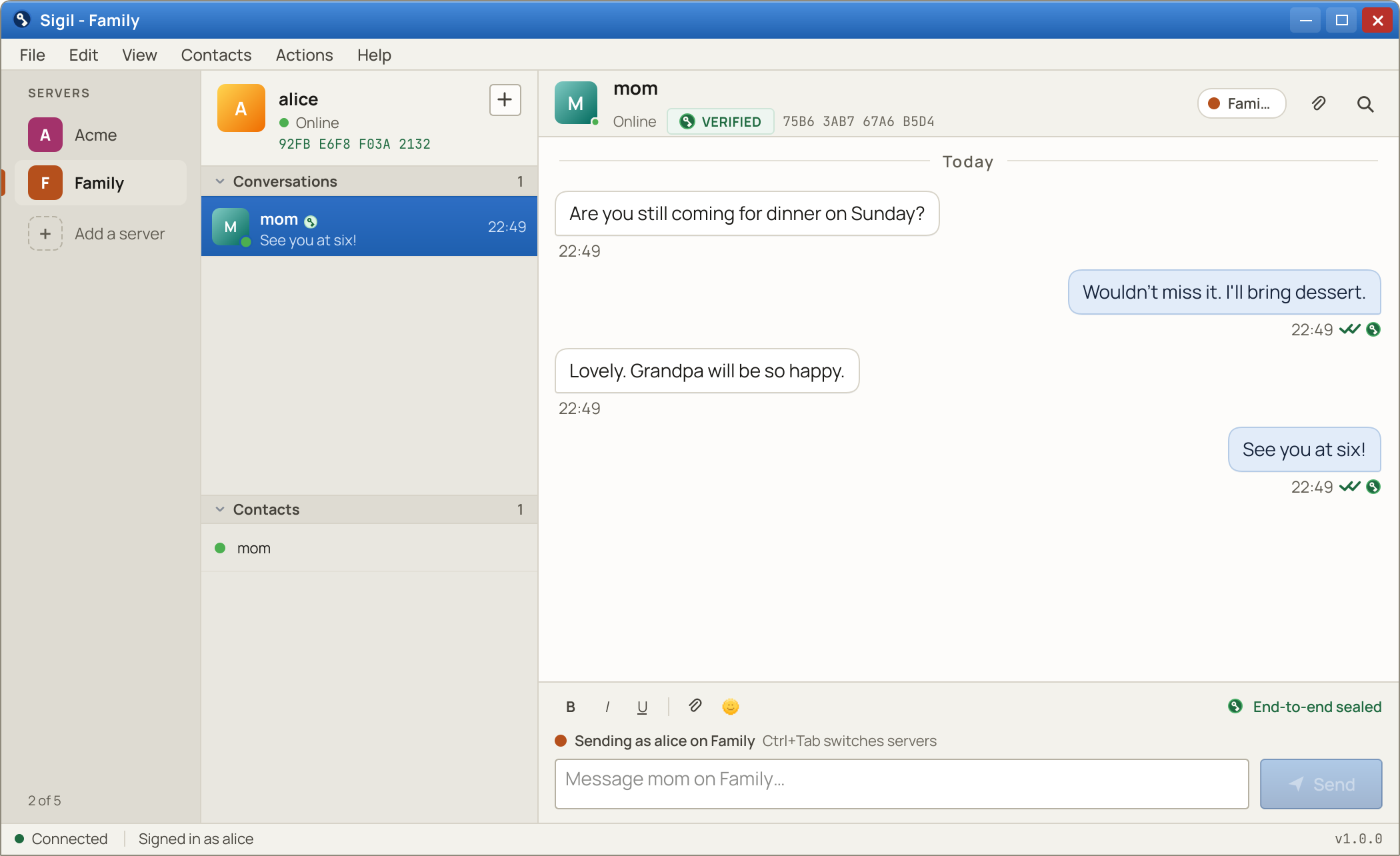
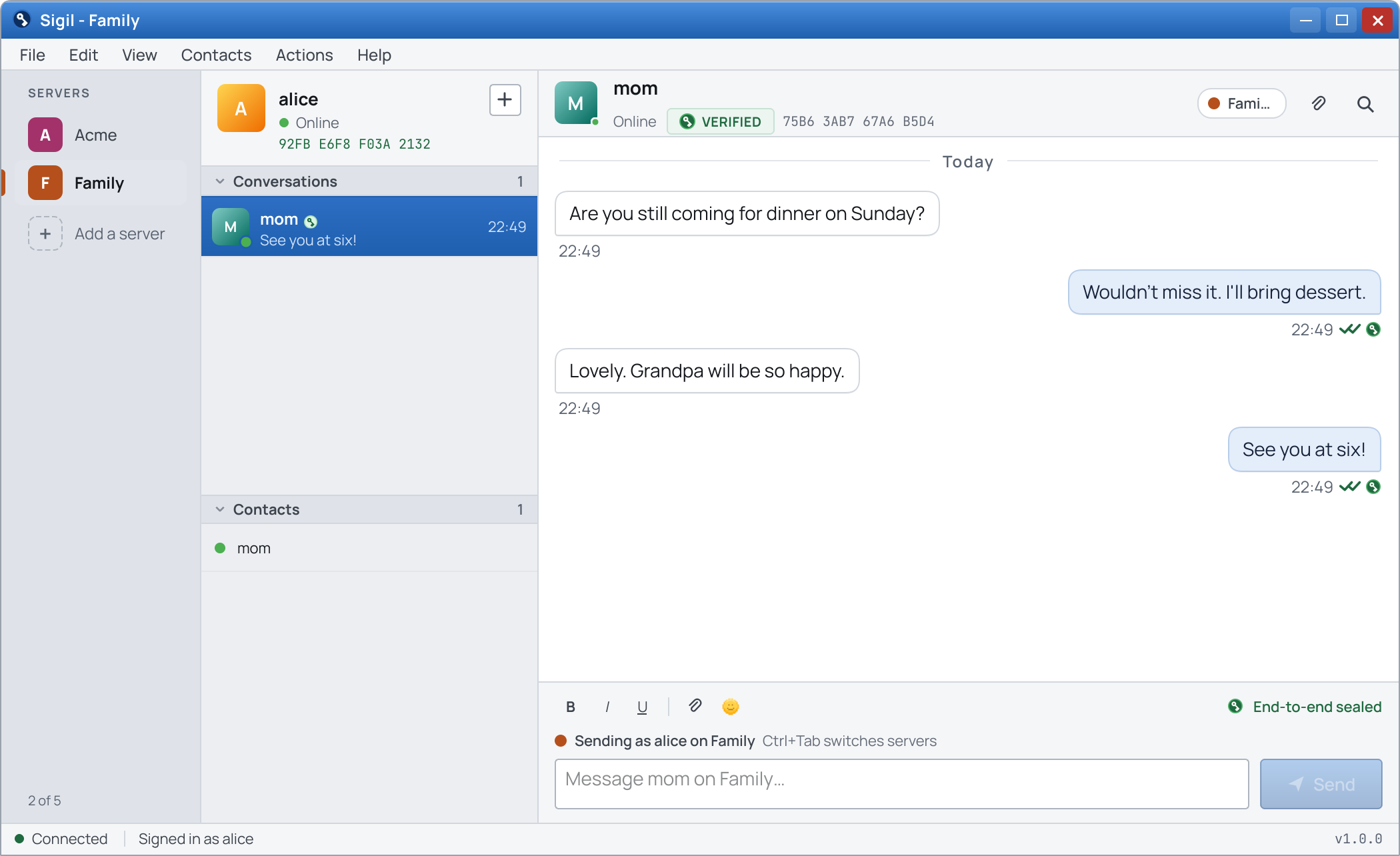
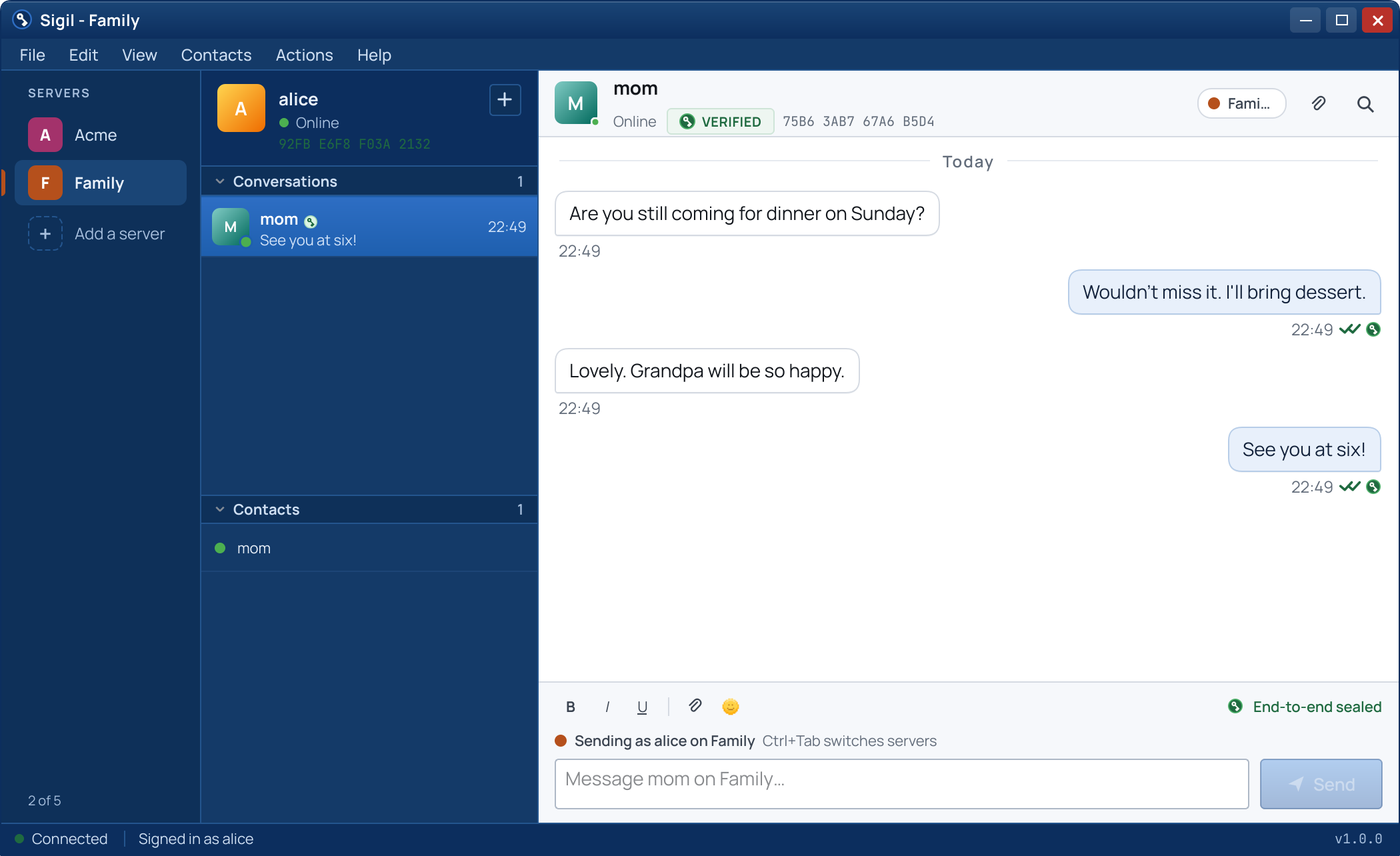
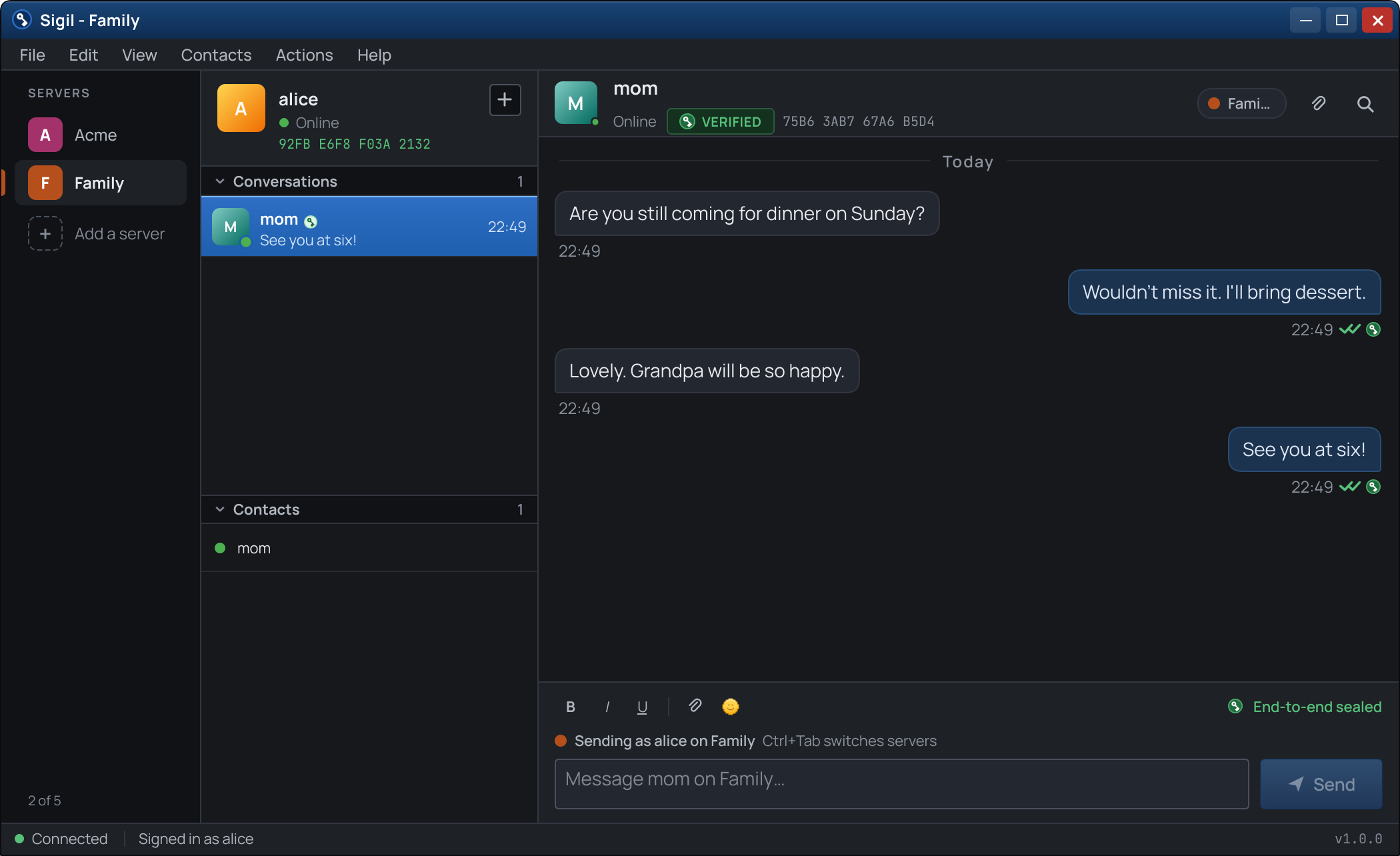
Every server sits on a rail down the window's edge, with what waits on it. A click, Ctrl+1 to Ctrl+9 or Ctrl+Tab moves between them, and each keeps its conversation and draft as they were left.
Each server keeps its own
An account on each server, with its own keys, history, settings and password. Nothing of one reaches another, and the same password used on two servers makes two different credentials.
Locked together, unlocked one by one
The lock closes every server at once. Each opens again with its own password, while the others stay locked and count what waits.
Connected, or parked
Every server stays connected in the background by default, with live counts and notifications. A server used now and then can be parked instead: it disconnects while another is shown, and its messages wait on the server until it is opened.
Notifications that name their server
With two or more servers, a notification says which server it came from, and a click opens that server first. A server can be muted on its own.
Invite links
A
sigil:// invite link from an operator opens Add a server, filled in, in the Sigil already running, and nothing happens before Continue. A link to a server already there switches to it, and one that names another key for it is refused.
It is your server
Your serverAdministration
Administration panelApprove registrations, issue invitations and set limits from a browser.
No surveillanceThe panel cannot display who talks to whom. This is a design rule, not a setting.
Encrypted at restOn each device, message history is encrypted on disk, per conversation, under a key your password unlocks.
PlatformsServer for Linux, FreeBSD, Windows and Docker. Desktop clients for Windows, Linux and FreeBSD.
Not here yet
In developmentNot yet available
Voice and video callsIn development. Private by default and self-hosted, like everything else.
Mobile appsIn development.
Linked devicesMore than one device on one account. In development.
macOS clientNot in version 1.0.
Soon, on a server of your own.
Free for five accounts. No registration with Hyperion Labs, no trial period.
Download Sigil soon
How licensing works